
Here’s the part nobody puts in the headline: Shippo and Pirate Ship sell you the same USPS and UPS discounts. The label costs roughly the same either way. What you’re actually choosing is a workflow — and there’s a specific order volume where that choice flips.
Under 50 orders a month, choose Pirate Ship: completely free with no cap, the same USPS Commercial Pricing, and near-zero learning curve. Past 50, choose Shippo: its automation, batch workflows and multi-carrier comparison start saving more in hours than free saves in fees, from $17/month up to 200 labels and $29 up to 500. The discounts are the same — the workflow is the product. Two details that sharpen the choice: Shippo’s free plan caps at 30 labels and charges $0.05 per label if you connect your own carrier accounts, where Pirate Ship’s free has no conditions at all; and both give you USPS Cubic, which since July 12, 2026 is the one rating method still rounding to the quarter inch while everything else rounds up to the whole inch.
| Pirate Ship | Shippo | |
|---|---|---|
| Best for | US stores under 50 orders/mo | US stores, 50–500 orders/mo |
| Price | Free, no cap — postage only | Free to 30 labels · $17 (≤200) · $29 (≤500) · $199 (≤10,000) |
| Conditions on “free” | None | $0.05/label if you use your own carrier accounts |
| Carriers | USPS and UPS only | Multi-carrier rate shopping |
| Cubic pricing | Yes, rate-shopped automatically | Yes, quoted automatically when a parcel qualifies |
| Automation | None — manual by design | Rules, batch printing, API on every plan |
| Weight ceiling | 70 lb USPS · 150 lb UPS Ground | Same carrier limits, broader carrier choice |
| Native integrations | Shopify, Etsy, eBay · Amazon via CSV | Unlimited store connections |
| Try Pirate Ship → | Try Shippo free → |
We earn no commission from Pirate Ship — there is no affiliate programme — and we do earn one from Shippo. Pirate Ship is still our recommendation below 50 orders a month. The threshold decides, not the payout. Prices verified September 2026; full ladder in what Shippo actually costs.
Same Discounts, Different Jobs
Both platforms resell USPS Commercial Pricing and pre-negotiated UPS discounts. Put the same box, same weight, same destination into both, and the label price lands in the same neighbourhood. If you came here to find out which has “better rates”, you can stop reading: on USPS and UPS, neither meaningfully wins.
What differs is everything around the label. Pirate Ship is deliberately manual: one interface, one label at a time with basic batching, zero configuration and zero cost. Shippo wraps the same discounts in operational machinery: automation rules, real batch workflows, multi-carrier comparison beyond USPS and UPS, and an API included on every plan.
So the choice isn’t about price. It’s about whether the machinery is worth having — and that’s a volume question with a fairly precise answer.
Two Kinds of Free
Both platforms advertise a free tier, and they don’t mean the same thing.
Pirate Ship’s free has no conditions. No label cap, no subscription, no fee of any kind — you pay discounted postage and nothing else, at any volume. A store shipping 400 labels a month pays exactly $0 in platform fees.
Shippo’s free is a tier. Thirty labels a month, one user, full commercial rates — genuinely usable, and it includes API access, which ShipStation gates behind a paid plan. But two conditions apply: the cap itself, and a $0.05 per-label fee if you connect your own negotiated carrier accounts rather than using Shippo’s rates. That second one has a tipping point worth knowing: past roughly 340 own-account labels a month, the $17 paid plan is cheaper than the free one, because the accumulated nickels exceed the subscription.
None of this makes Shippo expensive — $17 is the lowest paid entry in the category. It just means “free” describes a different thing on each side, and the comparison should say so.
Both Give You Cubic — and Cubic Just Got More Valuable
Cubic pricing charges by volume tier instead of weight, which makes it the cheapest label available for small dense products — candles, supplements, books, hardware. It isn’t sold at the Post Office or through Click-N-Ship, so a platform is the only way to reach it. Both of these give it to you, and both rate-shop it automatically against weight-based pricing.
Two changes on July 12, 2026 made it matter more. The maximum allowable side for Cubic rose from 18 to 22 inches, pulling more parcels into eligibility. And while every other rating method now rounds fractional dimensions up to the next whole inch, Cubic is the exception — it still rounds to the nearest quarter inch. On a parcel close to a tier boundary, that tolerance decides which price band you land in. The mechanics are in our dimensional weight guide, and the wider July changes in Ground Advantage vs Priority Mail.
The 50-Order Threshold
In our platform routing — the same logic behind our free audit calculator — the crossover sits around 50 orders per month.
- Below 50: Pirate Ship’s simplicity is pure gain. The manual workflow costs minutes, not hours; Shippo’s automation would be machinery you don’t switch on, and its paid tier a subscription you don’t need. Free wins on every axis, and there’s no cap waiting for you.
- Above 50: the manual workflow becomes the hidden cost — repeated data entry, no rules, no real batching. Shippo’s 30-label free tier is already too small, but $17 a month buys back hours every week, and multi-carrier comparison starts catching rates that USPS and UPS alone would miss. The subscription pays for itself in time before it pays in fees.
The tell-tale signs you’ve crossed: shipping is a batched evening chore, you’ve typed the same dimensions fifty times this month, and you’ve started wondering what FedEx would have charged.
Pirate Ship — free, and enough until it isn’t
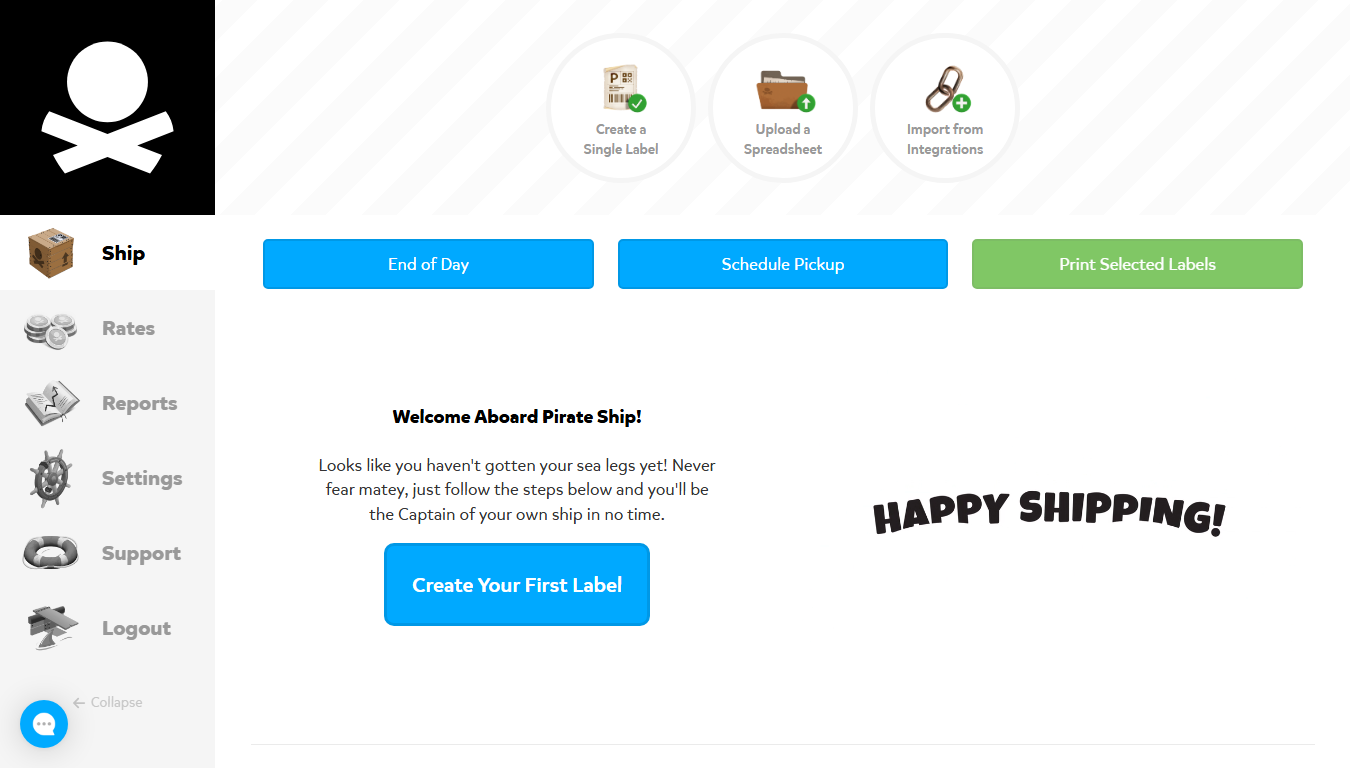
Best for: US stores under 50 orders a month, domestic-first.
Cost: free — no plan, no label fees, no minimums, no cap.
Pros: genuinely free with USPS Commercial Pricing from label one · Cubic with automatic rate shopping and the quarter-inch rounding advantage · near-zero learning curve.
Cons: USPS and UPS only, so no FedEx or DHL · no automation, manual by design · carrier billing adjustments passed through automatically when measured dimensions differ from what you entered — worth reading alongside the new USPS dimension requirements · Amazon and most channels need CSV import.
Full assessment: our Pirate Ship review.
Shippo — the upgrade that buys back your hours
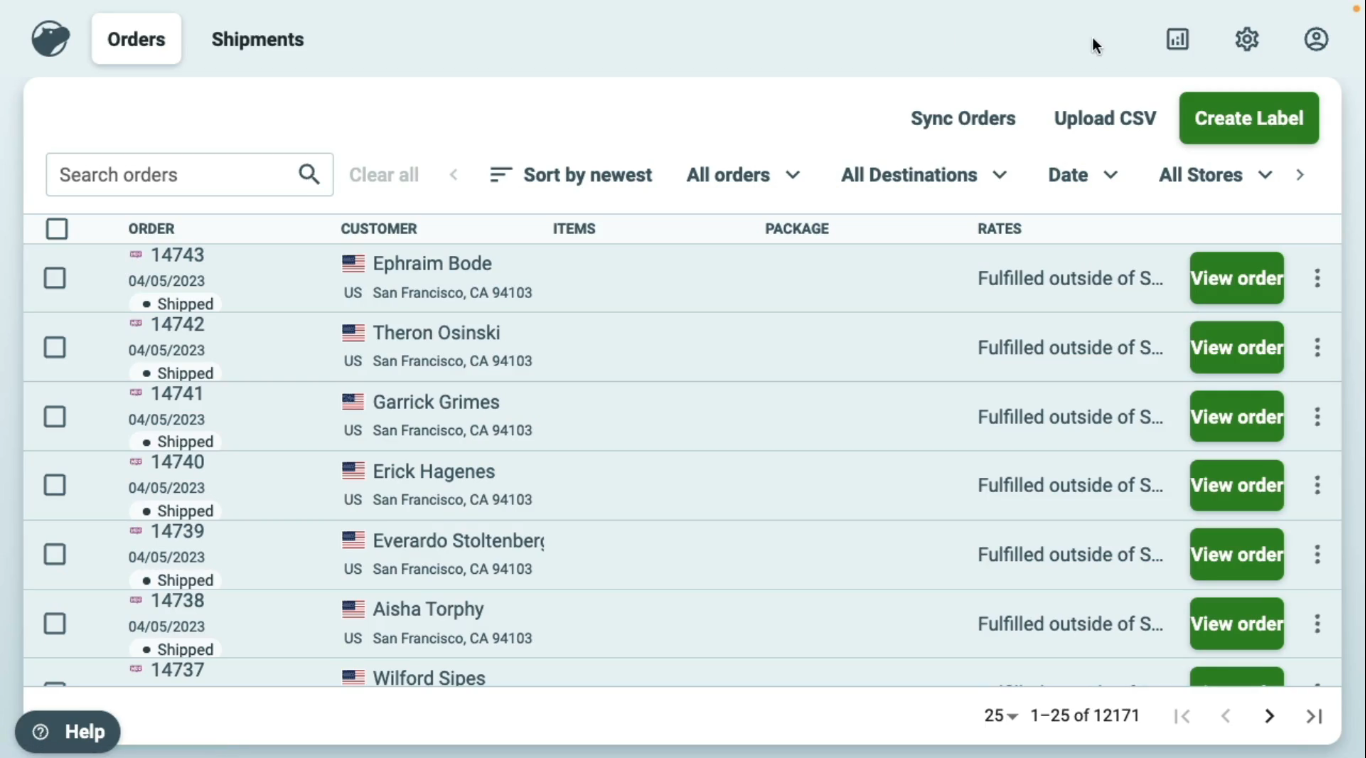
Best for: US stores shipping 50–500 orders a month.
Cost: free to 30 labels/month, then $17 (≤200), $29 (≤500), scaling to $199. 10% off annually.
Pros: multi-carrier rate shopping per shipment · batch printing and automation rules that scale · API on every plan including free · Cubic quoted automatically · unlimited store connections.
Cons: the automation that matters lives in paid plans · US-centric carrier network · $0.05 per label on the free tier with your own carrier accounts · support responsiveness is a recurring merchant complaint.
Full assessment: our Shippo review · pricing ladder: what Shippo costs.
Which side of 50 are you on?
Run the free shipping audit — volume, package size, destination — and see whether free is still your cheapest setup, plus what you’re overpaying today. No signup needed.
Run Your Free Audit →The Verdict, By Profile
- Under 50 orders/month, US domestic → Pirate Ship. Free with no cap and no conditions. Nothing to unwind later.
- 50–500 orders/month → Shippo, at $17 or $29. The automation is the purchase, not the rates.
- Small dense products at any volume → either works; both give you Cubic with automatic rate shopping. Pick on workflow.
- Own negotiated carrier accounts past ~340 labels → Shippo Pro beats Shippo free on price alone.
- Need FedEx or DHL → Pirate Ship can’t route it; Shippo can.
- 500+ orders or multi-channel → the question changes: ShipStation vs Shippo.
- Comparing against Shopify’s built-in tool instead → the head-to-head hub.
Frequently Asked Questions
Does Shippo have better rates than Pirate Ship?
On USPS and UPS, no — both resell the same commercial discount tiers and label prices land within cents of each other. Shippo’s rate advantage appears only when its multi-carrier comparison surfaces a non-USPS option that wins a specific route. The platforms differ on workflow, not discounts.
Is Pirate Ship’s free plan really unlimited?
Yes — no label cap, no subscription, no fees at any volume. That’s the clearest difference from Shippo’s free tier, which caps at 30 labels a month and adds $0.05 per label if you connect your own carrier accounts. A store shipping 400 labels pays $0 in platform fees on Pirate Ship.
Why would anyone pay for Shippo when Pirate Ship is free?
Time. Past roughly 50 orders a month, the hours lost to manual label creation cost more than a $17 subscription, and automation rules, batch workflows and an included API turn shipping from a nightly chore into a background process. Below that volume the honest answer is: don’t pay. Use Pirate Ship.
Is it easy to switch from Pirate Ship to Shippo?
Yes — both connect natively to Shopify, so switching means connecting Shippo, mapping your shipping presets, and turning off the other sync. An afternoon, not a migration. Many stores run both briefly during the transition; the switching guide covers the steps.
Do both give access to USPS Cubic?
Yes, and both rate-shop it automatically against weight-based pricing. Worth knowing for 2026: the maximum Cubic dimension rose from 18 to 22 inches on July 12, and Cubic is exempt from the new rule rounding fractional dimensions up to the whole inch — it still rounds to the nearest quarter inch. For small dense products that exception can decide your price tier.